· Rumtoo Process Team · Technical Guide · 17 min read
Small Plastic Shredder Buying Guide: 8 Specifications That Actually Matter
Most small shredder buying guides list features without explaining why they matter. This guide takes an engineering approach — covering the 8 technical specifications that determine whether a desktop shredder will actually work for your material, the hidden costs of cheap units, and how to run a proper evaluation before you commit.
A prototyping studio in Seoul bought what appeared to be a great deal: a compact plastic shredder from an online marketplace for under $300. The listing promised 5 kg/h throughput, “industrial-grade blades,” and quiet operation. The machine arrived, and within the first week the reality set in. The 500W direct-drive motor stalled on anything thicker than 2 mm. The blades — made of ordinary carbon steel, not tool steel — dulled after processing 8 kg of PLA scrap. There was no reverse function, so every jam required disassembling the cutting chamber with an Allen wrench, a process that took 10–15 minutes each time. Noise hit 78 dB, loud enough to make it unusable during business hours in their open-plan office. By week three the machine sat in a corner, and by month two it was in the trash.
The studio replaced it with a purpose-built desktop shredder at several times the price. The replacement has been running without issues for over a year.
This story plays out constantly across labs, makerspaces, small manufacturers, and prototyping shops. The problem is not that buyers don’t research — they do. The problem is that most “buying guides” online are either thinly disguised product ads or generic checklists that don’t explain why a specification matters or how to evaluate it against your specific needs.
This guide takes a different approach. We break down the 8 specifications that determine real-world shredder performance, explain the engineering logic behind each one, and give you a framework for evaluating any desktop shredder on the market — including ours.
Specification 1: Motor Power and Drive Type — Why Torque Beats Watts
This is where most buyers start, and where the most expensive mistakes happen.
The misleading number: raw wattage. A 3 kW direct-drive motor sounds more powerful than a 1.5 kW geared motor. In a shredder, it is not. Here’s why.
Shredding rigid plastic requires torque — rotational force — not speed. A direct-drive motor spins fast but delivers relatively low torque at the shaft. When a thick PLA part enters the cutting chamber, the rotor slows under load. Without sufficient torque reserve, the motor stalls or the thermal protection trips.
A geared motor solves this by trading speed for torque through a reduction gearbox. A 1.5 kW motor coupled to a gear reducer can deliver the same shaft torque as a 3–4 kW direct-drive motor, while drawing less power and generating less heat. The gearbox also acts as a mechanical buffer, absorbing impact loads when dense pieces hit the blades — loads that would cause a direct-drive shaft to jerk and potentially crack over time.
What to look for:
- Motor power of 1.5 kW or higher for a desktop unit
- Gear reduction ratio of at least 30:1 (higher is better for tough materials)
- Brushless motors if available — longer lifespan, lower maintenance
Red flag: Any desktop shredder advertising high wattage (2–3 kW+) without mentioning a gearbox is likely using a high-speed direct-drive configuration. Ask the manufacturer for the shaft torque specification (in Nm), not just the motor power.
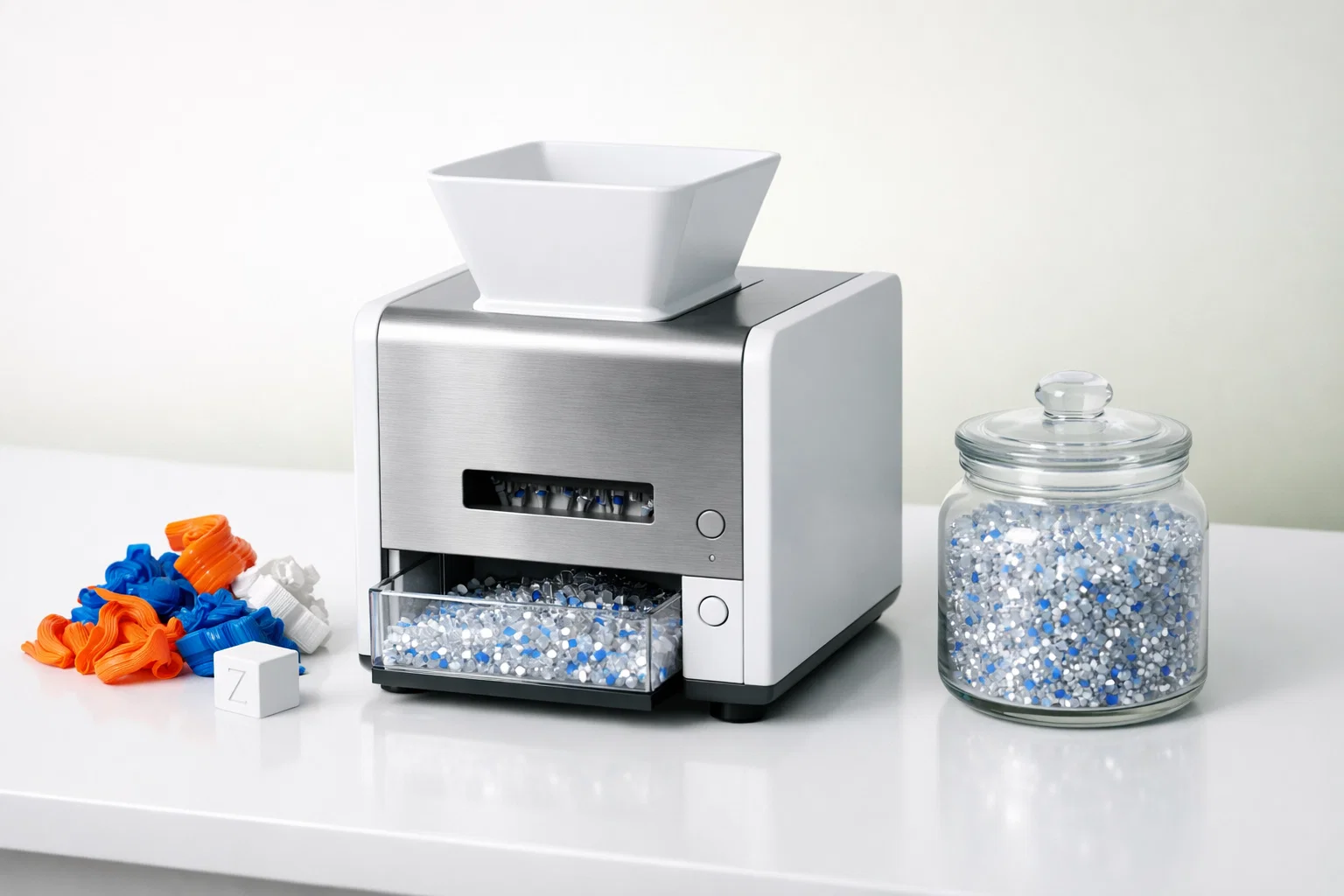
The Rumtoo mini desktop shredder uses a 1.5 kW geared drive specifically for this reason — the gearbox converts motor output into the high-torque, low-speed cutting action needed for consistent shredding of rigid thermoplastics.
Specification 2: Blade Material — The Difference Between 50 Hours and 500 Hours
Blades are the consumable heart of any shredder. The material they are made from determines how long they last before resharpening or replacement — and that directly affects your per-kilogram operating cost.
Common blade materials in the desktop shredder market:
| Blade Material | Typical Hardness | Expected Life (unfilled PLA) | Cost Level | Used By |
|---|---|---|---|---|
| Ordinary carbon steel | HRC 40–45 | 30–80 hours | Low | Budget marketplace units |
| Stainless steel (420/440 series) | HRC 50–55 | 80–200 hours | Medium | Felfil, Polystruder, some mid-range units |
| D2 tool steel | HRC 58–62 | 200–400 hours | Medium-High | Industrial crushers (oversized for desktop) |
| H13 tool steel | HRC 48–52 | 300–500 hours | Medium-High | Rumtoo desktop units |
H13 is a hot-work tool steel originally developed for injection mold tooling. It has an unusual property combination: high toughness (resistance to chipping under impact) combined with good wear resistance. This matters because desktop shredder blades experience both — abrasive wear from cutting plastic and impact shock from rigid pieces hitting the blade edge. D2, while harder, is more brittle and can chip under repeated impact loading in a low-speed desktop shredder. H13 is the better engineering choice for this application.
What to ask the manufacturer:
- What is the blade material grade (not just “hardened steel” — demand the specific alloy)?
- What is the expected blade life in operating hours on your target material?
- Are replacement blades available for purchase, and at what cost?
- Can blades be resharpened, and how many resharpening cycles are possible?
Red flag: If the manufacturer cannot tell you the specific blade alloy, assume it is low-grade carbon steel. Reputable manufacturers specify blade material because it is a genuine competitive advantage.
Specification 3: Blade Configuration — Count, Arrangement, and Interchangeability
Beyond material, the number of blades, their arrangement on the rotor, and whether they can be swapped affect both output quality and operational flexibility.
Single knife set vs. dual/interchangeable knife sets: Budget shredders ship with one fixed blade configuration. If the output particle size is too large or too small for your downstream process, you are stuck. Units with interchangeable knife sets let you swap between coarser and finer configurations depending on the application.
The Rumtoo desktop shredder ships with two complete knife sets:
- Set A: 22 rotating + 22 fixed blades at 5 mm spacing — general-purpose regrind for storage, injection molding, or large-hopper extruders
- Set B: 36 rotating + 36 fixed blades at 3 mm spacing — finer output for small filament extruders with narrow feed screws
This dual-set approach means one machine covers two distinct use cases without compromising on either.
What to check:
- How many cutting points engage per rotation? More cutting points = finer output per pass = less re-shredding needed
- Are the blades individually replaceable, or must you replace the entire rotor assembly?
- How long does a blade swap take? (Target: under 30 minutes with basic hand tools)
Specification 4: Feed Opening Size — The Constraint You Will Hit Every Day
The feed opening determines the maximum size of scrap you can insert without pre-cutting. This seems trivial until you realize you will be doing it hundreds of times.
Typical desktop shredder feed openings:
| Unit | Feed Opening |
|---|---|
| Felfil Shredder 750 | 120 × 95 mm |
| Polystruder GR PRO | ~125 mm diameter |
| 3devo GP20 Hybrid | Proprietary hopper geometry |
| Rumtoo Mini Desktop | 120 × 200 mm |
A wider feed opening means less pre-cutting labor. If your scrap includes flat plates, wide failed prints, or long cylindrical parts, the feed opening geometry directly determines how much time you spend with scissors or a saw before every shredding session.
The real cost: Pre-cutting is manual labor. If your average scrap piece requires 15 seconds of cutting to fit the opening, and you process 100 pieces per session, that is 25 minutes of repetitive hand work — time that adds up over months and is often not factored into the “total cost of operation.”
Specification 5: Output Particle Size — Match It to Your Downstream Process
Output particle size is not a single number — it is a distribution range. The spec sheet may say “3–6 mm,” but what matters is how tight that distribution actually is.
Why particle size distribution matters:
- For filament extrusion: particles must be 3–6 mm with minimal fines (<2 mm). Oversized pieces bridge in the hopper; fines melt prematurely and cause clumps. See our complete filament recycling workflow guide for detailed process parameters.
- For injection molding: 4–8 mm is acceptable; size uniformity is less critical because the injection screw provides thorough melting and mixing.
- For material testing: tight size distribution (±1 mm) is important for repeatable test results.
How to evaluate this before buying: Request a sample of shredded output from the manufacturer — processed on your target material, not a cherry-picked demo material. Measure 50 random particles. Calculate the mean and standard deviation. A standard deviation above 2 mm indicates poor cutting consistency.
Specification 6: Forward/Reverse Motor Control — A Necessity, Not a Luxury
Jams happen. In every shredder, on every material, regardless of price point. The question is not whether your shredder will jam — it is how quickly you can clear the jam and resume operation.
Without reverse control: You must power down the machine, open the cutting chamber (typically 4–8 bolts), manually extract the jammed material, reassemble the chamber, and restart. Typical clearance time: 10–15 minutes.
With forward/reverse jog control: You tap the reverse button, the rotors back out the jammed piece in 2–3 seconds, you reposition the material and continue forward. Typical clearance time: under 30 seconds. No tools, no disassembly, no downtime.
Over hundreds of shredding sessions, the cumulative time savings are enormous. More importantly, frequent chamber disassembly accelerates wear on seals, fasteners, and blade alignment — maintenance costs that do not appear on any spec sheet.
Red flag: Any shredder marketed for rigid thermoplastics (PLA, ABS, PETG, PC) that lacks forward/reverse control will cause significant operational frustration. This feature is standard on industrial shredders and should be standard on desktop units processing the same materials.
Specification 7: Noise Level — The Hard Constraint for Shared Spaces
Noise is a binary constraint: either the shredder is quiet enough for your environment, or it is not. There is no workaround.
Reference points:
| Sound Level | Example |
|---|---|
| 45 dB | Quiet library |
| 55 dB | Normal conversation |
| 65 dB | Loud office |
| 75 dB | Vacuum cleaner |
| 85 dB | Heavy traffic (hearing protection recommended for extended exposure) |
| 95–105 dB | Industrial shredders (enclosure required) |
Most university labs, shared makerspaces, and office-adjacent workshops have practical noise limits in the 55–65 dB range. Above that, complaints from neighboring rooms, difficulty holding conversations, and (in some jurisdictions) occupational health requirements become issues.
The problem with competitor noise specs: Some manufacturers report “idle” noise levels (motor running, no material being processed) rather than “operating” noise levels (material actively being shredded). Always ask for the noise level under load — that is the number that matters. The Polystruder GR PRO, for example, reports 55 dBA idle but up to 75 dBA during active shredding — a 20 dB difference that crosses the line from “quiet enough for a lab” to “noticeable in the next room.”
The Rumtoo mini desktop shredder operates below 55 dB during normal operation — measured under load, not at idle. The geared drive design contributes to this: lower rotational speed means less aerodynamic noise and less vibration transmitted to the frame.
Specification 8: Electrical Compatibility — The Overlooked Deal-Breaker
A shredder that requires 380V three-phase power cannot run in most labs, schools, or small workshops. This sounds obvious, but it catches buyers who order from industrial equipment catalogs without checking the electrical requirements.
What to verify:
- Voltage: 110V or 220V single-phase? Specify your country and outlet type when ordering. Machines designed for one voltage often cannot be field-converted to the other.
- Plug type: Does the machine come with a plug that matches your country’s standard, or does it require an adapter or hardwiring?
- Circuit capacity: A 1.5 kW motor draws approximately 7A at 220V or 14A at 110V. Verify that your wall circuit and breaker can handle the load, especially if the shredder will share a circuit with other equipment.
The Rumtoo desktop shredder is configurable for 110V or 220V single-phase power — specified at the time of ordering. This covers virtually all residential, educational, and small commercial electrical systems worldwide.
The Four Most Expensive Buying Mistakes
Beyond individual specifications, these four patterns lead to the highest total cost of regret.
Mistake 1: Buying on Price Alone
A $200 shredder that processes 2 kg before stalling, wears out its blades in 40 hours, and jams every 15 minutes is not cheap — it is expensive waste. The true cost is the machine price plus the wasted time, the damaged material from inconsistent shredding, and the cost of the replacement machine you will eventually buy anyway.
The math: A $200 machine that lasts 3 months and processes 50 kg total costs $4.00/kg in equipment amortization alone. A $X,XXX machine that runs for 5+ years and processes thousands of kilograms costs a fraction of that per kilogram — and produces consistent, usable output every time.
Mistake 2: Ignoring Blade Replacement Cost and Availability
The shredder is a one-time purchase. Blades are recurring. A machine with proprietary blades available only from the manufacturer at $150+ per set imposes a dependency that drives up lifetime cost. Before buying, verify: Can you order replacement blades? What do they cost? What is the lead time? Are third-party alternatives available?
Mistake 3: Trusting Rated Throughput Without Material Context
A throughput spec of “5 kg/h” is meaningless without knowing what material was used to generate that number. A shredder that processes 5 kg/h of thin LDPE film might only manage 1 kg/h on thick-walled PLA parts. Always ask: What material, at what thickness and infill density, was used for the rated throughput?
Mistake 4: Skipping the Material Trial
This is the most consequential mistake and the easiest to avoid. Before committing to any shredder purchase — desktop or industrial — request a material trial on your actual scrap.
What a material trial should evaluate:
| Metric | What to Measure | Why It Matters |
|---|---|---|
| Actual throughput | kg/h on your material | Verifies rated spec against reality |
| Particle size distribution | Measure 50+ random particles | Confirms output matches downstream requirements |
| Jam frequency | Count jams per kg processed | Predicts daily operational frustration |
| Clearance time per jam | Seconds to resume after a jam | Time cost adds up fast |
| Noise under load | dB meter reading during shredding | Confirms suitability for your environment |
| Temperature rise | Motor housing temp after 30 min of continuous operation | Indicates thermal margin for extended sessions |
Any reputable manufacturer will run your material through their machine at their facility — or send you a demo unit — and provide these data points. If a manufacturer refuses material testing or says “just trust the spec sheet,” that tells you everything you need to know.
Contact the Rumtoo process team to arrange a material trial on your specific scrap before purchase.
Cross-Brand Specification Comparison
To our knowledge, no one in this market has published a consolidated cross-brand specification table. Here is our best effort based on publicly available data, updated as of early 2026. We have included our own specifications alongside competitors for transparency.
| Specification | Rumtoo Mini Desktop | 3devo GP20 Hybrid | Felfil Shredder 750 | Polystruder GR PRO |
|---|---|---|---|---|
| Motor power | 1.5 kW (geared) | 2 × 750W (1.5 kW total) | 625W | 300W (brushless) |
| Drive type | Gear reduction | Dual motor | Gear reduction | Brushless + 90:1 gear |
| Blade material | H13 tool steel | Not publicly specified | Steel (grade not specified) | Stainless steel (19 double-sided) |
| Blade count | Set A: 22+22 / Set B: 36+36 | 14 blades (interchangeable tooth configs) | Not publicly specified | 19 blades |
| Feed opening | 120 × 200 mm | Proprietary hopper | 120 × 95 mm | ~125 mm |
| Output size | 3–6 mm | < 4 mm (with granulator) | ~6 mm (irregular) | ~3 mm |
| Throughput | 1–5 kg/h | Higher (integrated granulator) | Up to 4 kg/h | Up to 3–5 kg/h |
| Noise (under load) | < 55 dB | Not publicly specified | Not publicly specified | Avg 62 dB, max ~75 dB |
| Machine weight | 101 kg | 125 kg | 15 kg | Not publicly specified |
| Voltage | 110V / 220V configurable | Region-specific | Region-specific | Region-specific |
| Forward/reverse | Yes | Yes (auto-reverse) | Yes (auto cycle) | Yes (ShredAI auto) |
| Unique feature | Dual interchangeable knife sets | Integrated shredder + granulator | Open-source ecosystem, lightest weight | ShredAI adaptive speed, touchscreen, Wi-Fi |
Important caveat: Specifications are sourced from manufacturer websites and press materials. Some figures may be measured under different test conditions. Always verify specifications directly with the manufacturer for your specific application and request a material trial.
How to read this table: No single machine wins on every dimension. The right choice depends on your priority — if you need the lightest weight for portability, Felfil wins at 15 kg. If you want AI-adaptive shredding with smart monitoring, Polystruder’s ShredAI is unique. If you need an integrated shredder + granulator in one unit, 3devo’s GP20 Hybrid combines both stages. If your priorities are high torque for rigid engineering plastics, verified quiet operation under load, and flexible knife set configurations, the Rumtoo mini desktop shredder is engineered for that profile.
Frequently Asked Questions
How much should I budget for a decent desktop plastic shredder?
Desktop shredders fall into three tiers. Entry-level units ($100–400) from general marketplaces typically use low-grade materials and lack features like reverse control — these work for occasional soft-plastic shredding but struggle with rigid 3D printing scrap. Mid-range units from specialized manufacturers represent the bulk of the professional market. High-end lab units with integrated granulators, sensors, and smart controls sit at the top. For reliable daily processing of rigid thermoplastics, budget for the mid-range tier — it is where the cost-per-kilogram economics make the most sense.
Is a heavier shredder better than a lighter one?
Not automatically, but machine weight does indicate structural mass — thicker housings, heavier rotors, and more robust bearings. A 100+ kg desktop shredder will vibrate less during operation and absorb impact loads better than a 15 kg unit. The trade-off is portability: if you need to move the shredder between rooms or take it to events, weight matters. If it sits permanently on a workbench, heavier is generally better for stability and noise reduction.
Should I choose a shredder or a shredder-granulator combo?
A standalone shredder is simpler, easier to maintain, and sufficient if your downstream equipment (filament extruder, injection molder) accepts 3–6 mm regrind. A shredder-granulator combo (like the 3devo GP20) produces finer, more uniform output (<4 mm) in a single pass — useful if your process requires very small, consistent particle sizes. The combo costs more and has more parts to maintain. Match the choice to your downstream requirement, not to the “more features = better” instinct.
Can I evaluate shredder quality from online product photos and spec sheets?
Spec sheets are necessary but not sufficient. They tell you what the manufacturer claims; they do not tell you how the machine performs on your material. Online photos can be misleading — polished renders look identical for $200 and $2,000 machines. The only reliable evaluation method is a material trial. See the “Material Trial” section above for the specific metrics to request.
What maintenance does a desktop shredder require?
Routine maintenance is minimal: periodic blade inspection (every 50–100 hours of operation), blade resharpening or rotation when cutting performance degrades (you will notice the motor working harder and output becoming less uniform), and cleaning the cutting chamber of fine dust accumulation. No lubrication is required for sealed-bearing designs. Annual motor inspection is recommended for facilities running daily. Total maintenance time: roughly 1–2 hours per quarter for moderate-use operations.
How does the Precious Plastic open-source shredder compare to commercial desktop units?
The Precious Plastic shredder design has inspired a global community and deserves credit for popularizing small-scale recycling. However, build quality varies enormously between individual builds and kit suppliers — the community has documented issues including inconsistent blade hardness, alignment problems, and rust on delivered kits. A well-built Precious Plastic shredder can perform adequately for soft, thin materials. For consistent processing of rigid engineering plastics (PLA, ABS, PETG, PC), a purpose-built commercial desktop shredder with precision-machined blades, engineered tolerances, and manufacturer support offers a fundamentally more reliable experience. The choice depends on whether your priority is learning the mechanics of shredder construction (Precious Plastic) or having a reliable production tool from day one (commercial unit).
Next Steps
Before contacting any supplier, create a one-page specification sheet for your own operation:
- Material: What polymers will you shred? At what typical wall thickness?
- Volume: How many kilograms per month?
- Downstream use: What equipment will the regrind feed into, and what particle size does it require?
- Environment: Where will the shredder operate? What is the noise limit? What electrical supply is available?
- Budget: What is your total budget including any electrical modifications?
Take that spec sheet to two or three manufacturers and request material trials from each. Compare the results side by side using the evaluation framework in this guide. The data will make the decision obvious.
Ready to start? Contact the Rumtoo process team with your spec sheet, and we will arrange a material trial on the mini desktop shredder using your actual scrap material.
Related pages:
- Mini Desktop Plastic Shredder — Specifications & Configuration
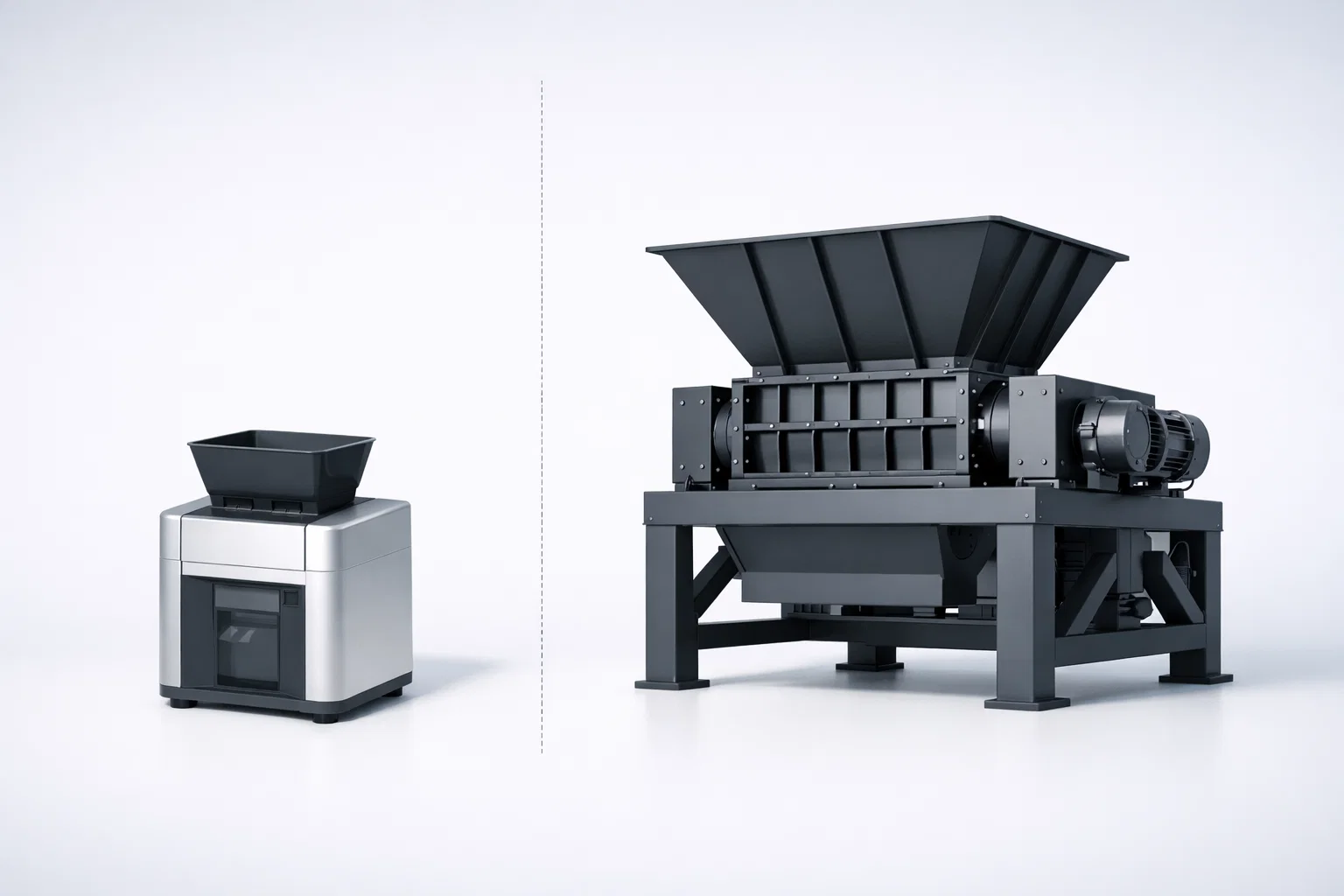
- Desktop Shredder vs Industrial Shredder: Choosing the Right Scale
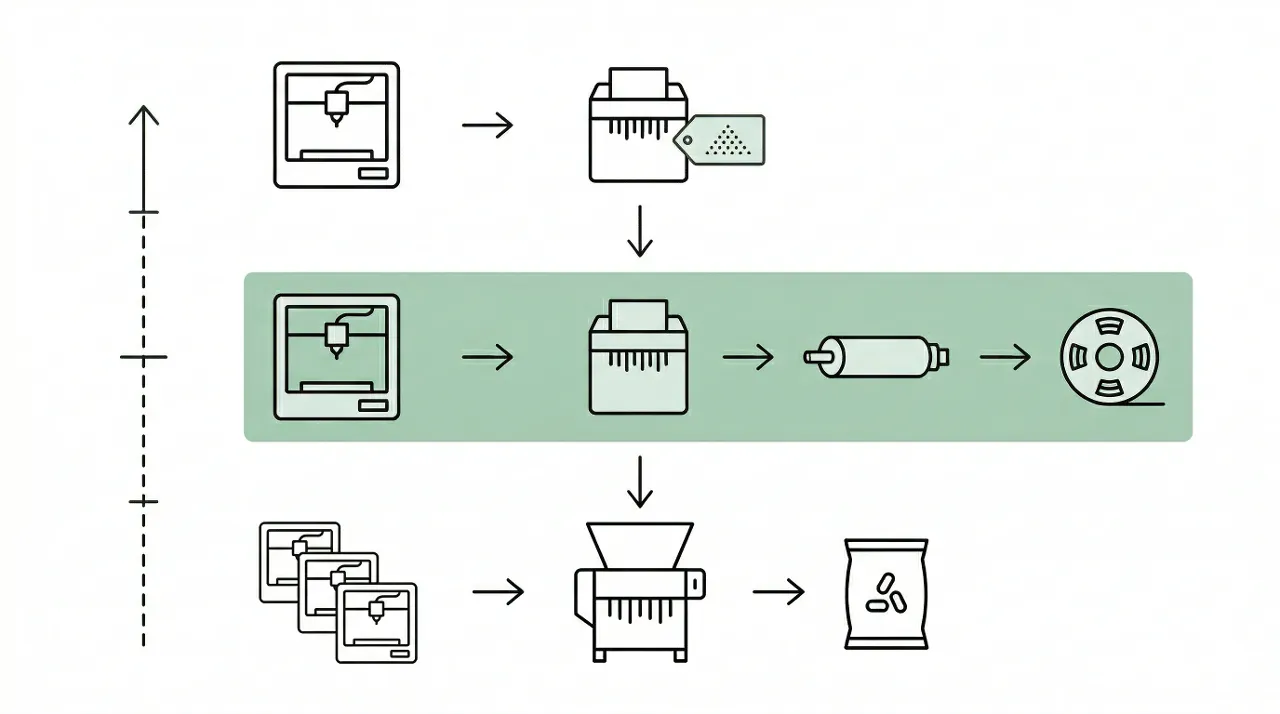
- How to Recycle 3D Printing Waste with a Desktop Shredder
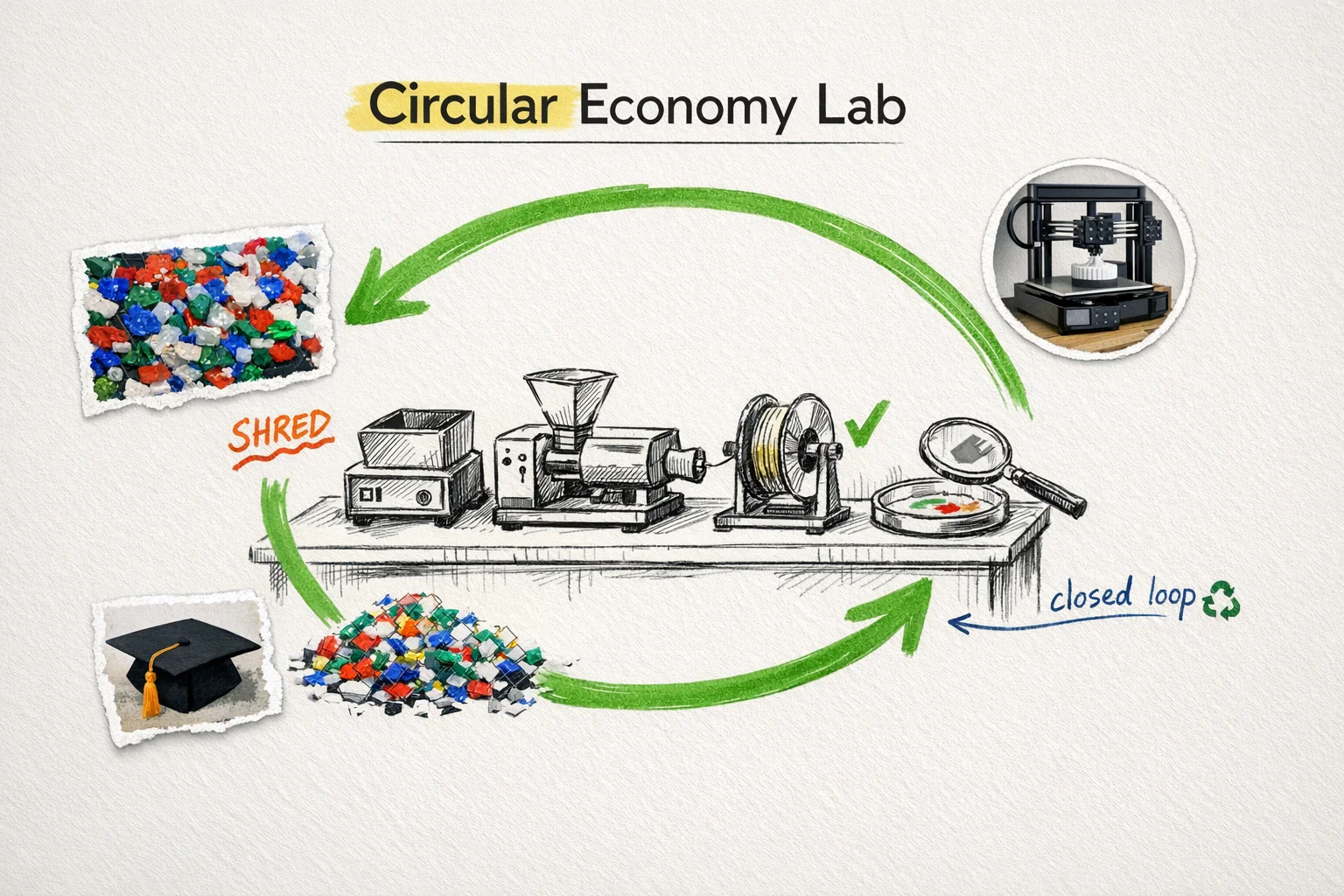
- From Scrap to Spool: Complete Filament Recycling Workflow
- Crusher vs. Shredder: How to Choose the Right Configuration
- Desktop & R&D Units — Full Range
- desktop shredder
- buying guide
- equipment selection
- lab equipment
- shredding