· Rumtoo Operations Team · Data & KPI · 7 min read
Recycling Plant KPI Dashboard: Template and Implementation Guide
How to build a recycling plant KPI dashboard that drives real decisions — with a practical template covering throughput, quality, downtime, and energy metrics.
The operations manager of a 3,000 kg/hr HDPE washing plant in Mexico had a problem hiding in plain sight. Monthly production reports showed steady throughput numbers and consistent sales volumes. Everything seemed fine — until the quarterly financial review revealed that electricity costs per ton had crept up 18% over nine months. Nobody had noticed because the monthly production report only tracked output tons, not energy intensity. When the team finally investigated, they found that two friction washer motors had been running at full speed 24/7 due to a faulty VFD bypass that a maintenance technician had wired in “temporarily” nine months earlier. The fix took two hours. The wasted electricity over those nine months cost the plant over $35,000.
This is the classic failure mode of plants that track production without tracking efficiency. A well-designed KPI dashboard would have flagged the kWh/ton anomaly in the first week.
What a KPI Dashboard Should Actually Do
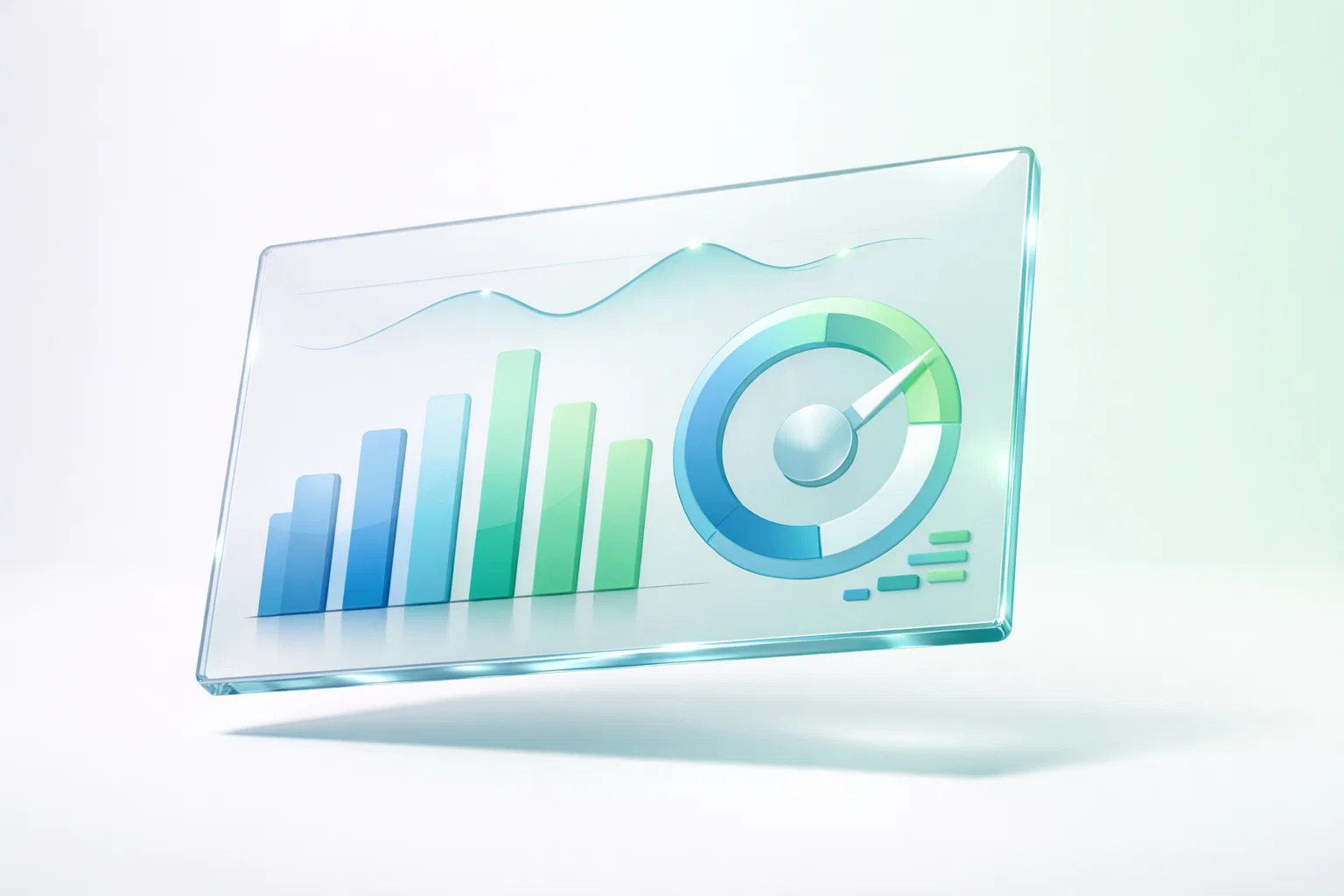
A KPI dashboard is not a trophy wall of green numbers to show visitors. Its only purpose is to make hidden problems visible fast enough to fix them before they become expensive.
The best recycling plant dashboards share three characteristics:
- Few enough metrics to review daily. If your dashboard has 40 KPIs, nobody reads it. Start with 8–12 core metrics.
- Leading indicators, not just lagging ones. Throughput and revenue are lagging — they tell you what already happened. Vibration trends, moisture levels, and water consumption rate are leading — they warn you about what’s about to happen.
- Clear ownership and action triggers. Every KPI has a named owner and a predefined threshold. When the KPI crosses the threshold, the owner takes a specific action. No ownership = no action = no value.
The Core KPI Template: 10 Metrics That Matter
Here is a field-tested template used across PET, HDPE, and film recycling operations. Adapt the specific targets to your material stream and equipment configuration.
Production Metrics
| KPI | Definition | Frequency | Target Range | Owner |
|---|---|---|---|---|
| Line Throughput | kg/hr of saleable output (not infeed) | Per shift | ≥85% of rated capacity | Production Manager |
| Yield Rate | Saleable output ÷ Total infeed × 100 | Daily | Material-dependent (see below) | Process Engineer |
| Schedule Adherence | Actual run hours ÷ Planned run hours × 100 | Weekly | ≥90% | Production Manager |
Yield benchmarks by material type:
- PET bottle flake: 80–90% (post-consumer) — see our PET project planning guide for detailed yield assumptions
- HDPE rigid flake: 85–92%
- PP/PE film clean output: 70–82% (highly dependent on contamination)
Quality Metrics
| KPI | Definition | Frequency | Target Range | Owner |
|---|---|---|---|---|
| Flake Purity | % of target polymer in final product (by weight) | Per shift | ≥98% (fiber), ≥99.5% (food-grade) | QC Manager |
| Moisture Content | % moisture in final dried flake | Per shift | ≤1.0% (standard), ≤0.5% (food-grade) | QC Manager |
| Customer Rejection Rate | Rejected shipments ÷ Total shipments × 100 | Monthly | <1% | Sales + QC |
Quality metrics should be reviewed alongside production metrics, never in isolation. A plant that hits its throughput target but misses purity is producing waste, not product. For a deeper look at quality measurement, see our guide on flake quality control points.
Reliability Metrics
| KPI | Definition | Frequency | Target Range | Owner |
|---|---|---|---|---|
| Unplanned Downtime | Hours of unplanned stops ÷ Total planned run hours × 100 | Weekly | <8% (good), <4% (excellent) | Maintenance Manager |
| MTBF | Mean operating hours between unplanned stops | Monthly | >400 hrs (target), >600 hrs (world-class) | Maintenance Manager |
| PM Compliance | Completed PM tasks ÷ Scheduled PM tasks × 100 | Weekly | ≥90% | Maintenance Manager |
Reliability data is the early warning system for your entire operation. A declining MTBF trend tells you that your maintenance program needs attention before the next catastrophic failure occurs.
Energy and Utility Metrics
| KPI | Definition | Frequency | Target Range | Owner |
|---|---|---|---|---|
| Energy Intensity | kWh consumed ÷ Ton of saleable output | Daily | Line-dependent (typically 150–350 kWh/ton) | Plant Manager |
| Water Consumption Rate | m³ of fresh water makeup ÷ Ton of infeed | Daily | 1.5–3.0 m³/ton (washing lines) | Utilities Manager |
Energy intensity is the single KPI that most directly links to profitability. A 10% improvement in kWh/ton on a line processing 500 tons/month at an electricity rate of $0.10/kWh saves $9,000–$18,000 per year. That is often enough to fund the entire dashboard initiative.
How to Implement the Dashboard: A 6-Week Roadmap
Weeks 1–2: Define and Validate
- Select your 8–12 core KPIs from the template above. Resist the temptation to add more.
- For each KPI, write a one-sentence definition, specify the data source, and assign an owner.
- Validate that data is actually available. If your shredder doesn’t have a production counter, you’ll need to add one before you can measure throughput per shift.
- Set initial targets based on the past 90 days of production data. Use the median, not the average — averages are distorted by outliers.
Weeks 3–4: Build and Test
- Build the dashboard using whatever tool your team will actually use. A well-maintained Excel workbook with manual data entry beats a sophisticated BI platform that nobody updates.
- Create a daily data collection form (paper or digital) that operators fill in at each shift change.
- Run a two-week parallel test: continue your existing reporting while also populating the new dashboard. Compare the two to catch data errors.
Weeks 5–6: Go Live and Establish Rhythm
- Conduct a 15-minute daily stand-up meeting using the dashboard. The format is simple: review yesterday’s numbers, highlight any KPIs outside target, assign actions for today.
- Hold a weekly 30-minute review with all department managers. Focus on trends, not individual data points.
- Run a monthly deep-dive (60–90 minutes) to review KPI trends, discuss root causes of underperformance, and adjust targets if needed.
The daily stand-up is the single most important habit. Without it, the dashboard becomes wallpaper.
Common Dashboard Pitfalls
Measuring too many things. Dashboards fail when they try to track everything. A 40-KPI dashboard overwhelms everyone and highlights nothing. Start with 10 metrics, prove the discipline, and add more only when the team demands them.
Tracking output without tracking efficiency. The Mexico plant story above is a textbook example. Always pair volume metrics (tons, hours) with intensity metrics (kWh/ton, m³/ton, downtime %).
No action triggers. A dashboard that reports “moisture was 1.8% yesterday” is useless if nobody knows what to do about it. For every KPI, define: (1) the threshold that triggers action, (2) who takes the action, and (3) what the standard response is.
Changing definitions without version control. If you change how you calculate yield in month 4, you’ve broken comparability with months 1–3. Keep a log of every definition change and restate historical data when possible.
Frequently Asked Questions
What software should we use for the dashboard?
The best tool is the one your team will actually maintain. Microsoft Excel or Google Sheets works well for plants with fewer than 3 lines. For multi-line operations, a lightweight SCADA or cloud-based dashboard tool (like Grafana, Power BI, or even a simple Notion database) provides better real-time visibility. The critical factor is not the software — it’s the discipline of daily data entry and review.
How do we get operators to enter data accurately?
Three strategies that work: (1) Keep the data collection form short — no more than 8–10 fields per shift entry. (2) Validate data at the point of entry with reasonable min/max bounds (e.g., moisture cannot be negative or above 50%). (3) Review data quality weekly and give feedback. Operators who see that their data is actually being used tend to take more care with it.
Should we include financial KPIs on the production dashboard?
Include cost-linked KPIs (kWh/ton, water m³/ton, maintenance cost/ton) but not full P&L data. The production dashboard should focus on controllable operational metrics. Financial metrics like margin per ton and revenue are better suited for a separate monthly management report that integrates production and financial data.
How long before we see results?
Most plants see measurable improvement within 8–12 weeks of disciplined dashboard use. The first gains typically come from reliability improvements (catching issues before they cause unplanned stops) and energy reduction (identifying equipment running inefficiently). Quality and yield improvements usually follow in months 3–6 as the team develops better root-cause analysis habits.
Can we integrate dashboard data directly from machine PLCs?
Yes, and this should be a medium-term goal. Manual data entry is acceptable for launch, but automatic data capture from PLCs via OPC-UA or Modbus TCP eliminates human error and enables real-time monitoring. Rumtoo control systems support standard communication protocols. Contact our engineering team to discuss integration options for your specific line configuration.
References
- KPI
- operations
- plant management